Professional tkinter/ttk components for Python 3.13+ and Tcl/Tk 9, with zero third-party runtime dependencies. Version 0.2.0 uses Tk 9's native SVG reader for scalable icons and compact control surfaces.
| Light | Dark |
|---|---|
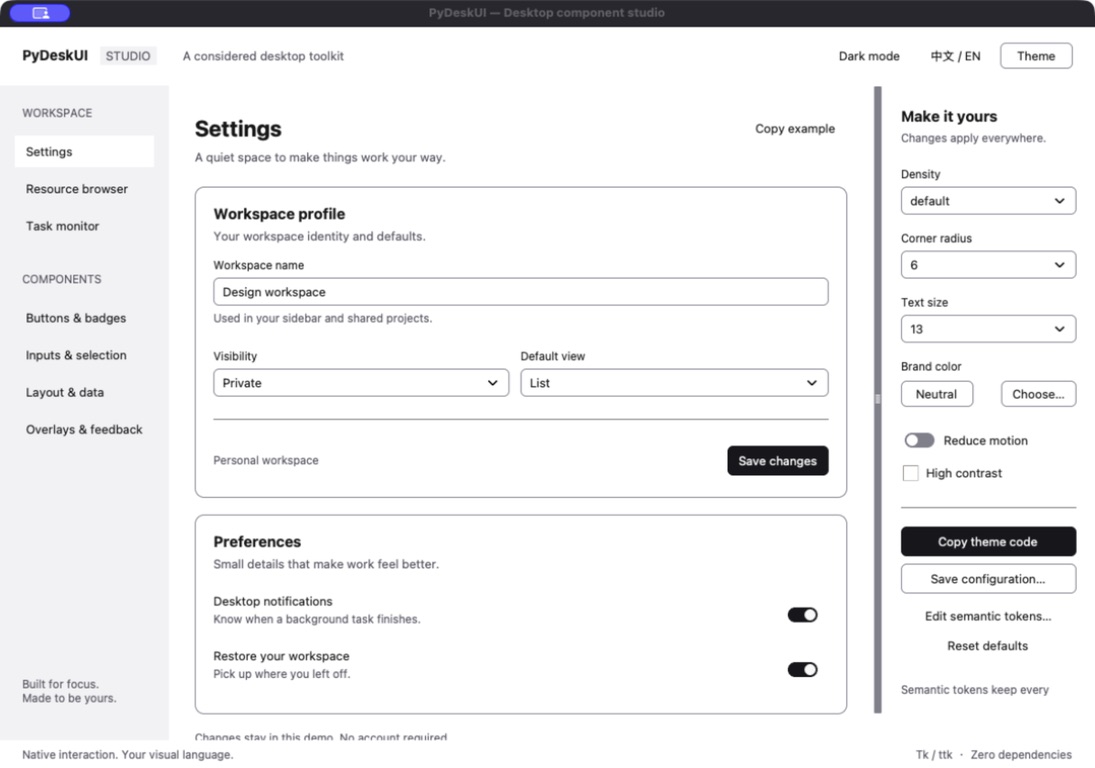 |
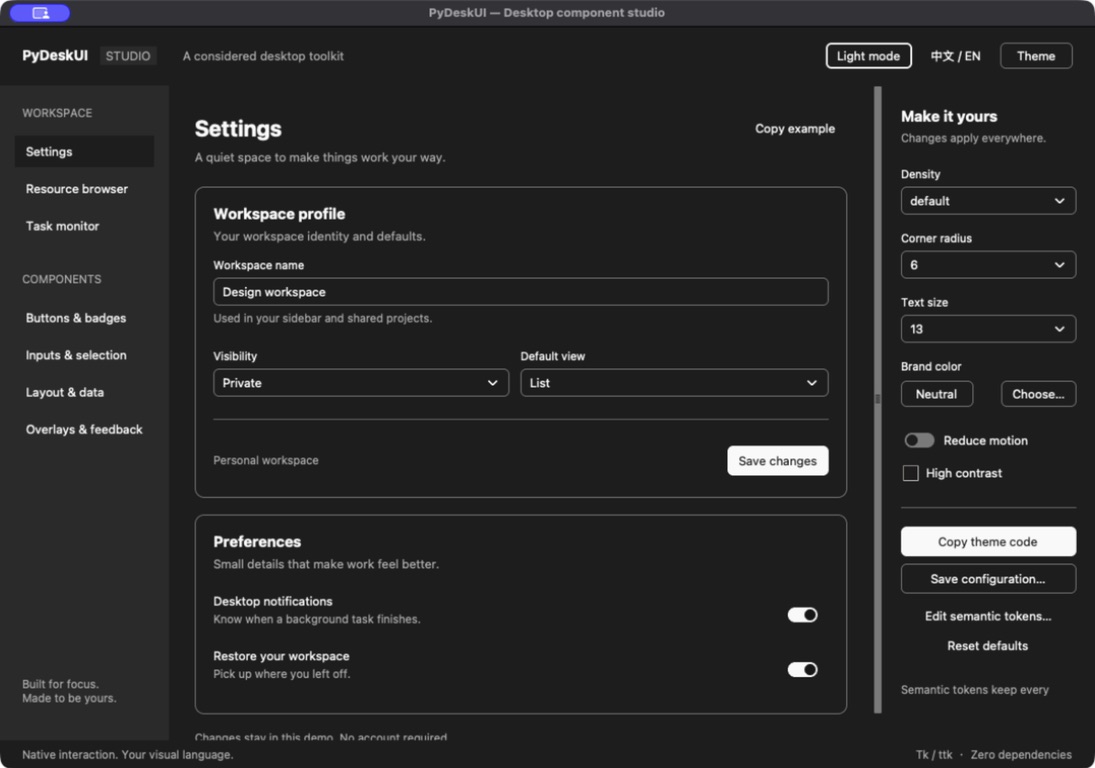 |
The gallery includes the complete component collection, three desktop scenes,
and a live theme editor. From a repository checkout, run
python examples/gallery.py to explore it. The gallery is a demonstration, not
a complete API or platform/accessibility test.
Install PyDeskUI from PyPI:
python -m pip install pydeskuiCheck that Python is 3.13 or newer and is linked to Tk 9:
python -c "import tkinter as tk; r=tk.Tk(); print(r.tk.call('info','patchlevel')); r.destroy()"Tk 8.6 is rejected when a Theme or component is created. A virtual environment inherits Tcl/Tk from its base interpreter; installing PyDeskUI cannot replace it.
import tkinter as tk
from pydeskui import Button, Card, Entry, Label, Theme

root = tk.Tk()
theme = Theme(root, radius=6, density="default", font_size=13)
panel = Card(root, theme=theme)
panel.pack(fill="both", expand=True, padx=16, pady=16)
Label(panel, text="Project name", theme=theme).pack(anchor="w")
value = tk.StringVar(master=root, value="Hello")
Entry(panel, textvariable=value, placeholder="Untitled", theme=theme).pack(fill="x")
Button(panel, text="Clear", variant="secondary", theme=theme,
       command=lambda: value.set("")).pack(anchor="e", pady=8)
root.mainloop()
The caller owns the parent, domain state and event loop. All GUI operations run on the Tk thread. Importing the library never creates a root. Themes use scoped styles; widget destruction cancels owned work and retains caller variables.
The pydeskui.widgets export surface contains 39 components (excluding data
helpers and contexts):
| Group | Components |
|---|---|
| Existing controls and views | Button, Entry, SearchEntry, SegmentedControl, ItemList, DetailView, Form, ProgressView, Dialog |
| Structure and data | Frame, Label, Card, Separator, Badge, Icon, Sidebar, Toolbar, Tabs, SplitPane, ScrollArea, Table, Tree |
| Additional inputs | Textarea, Checkbox, RadioGroup, Switch, Select, Combobox, Slider, Spinbox |
| Overlays and feedback | Tooltip, Popover, DropdownMenu, ContextMenu, Alert, Toast, EmptyState, Skeleton, Sheet |
Themes default to keyboard-aware focus rings: pointer interaction stays visually
quiet while Tab and arrow-key navigation remains visible. Set focus_ring to
"always" or "never" when an application needs an explicit policy.
Supporting APIs include Item, FieldSpec, Theme, TranslationContext, Scheduler,
CancelHandle, check_runtime, load_image, load_svg and
UnsupportedTkVersionError. Tk 9 loads SVG, PNG and GIF directly. Bundled icons
are SVG source assets and are rendered at the active logical size.
See the design system, appearance decision, implemented API, migration guide, design documents, and agent skill.
Development setup, testing, and release checks are documented in the contribution guide.
If PyDeskUI is useful to you, you can support its development on Buy Me a Coffee.